

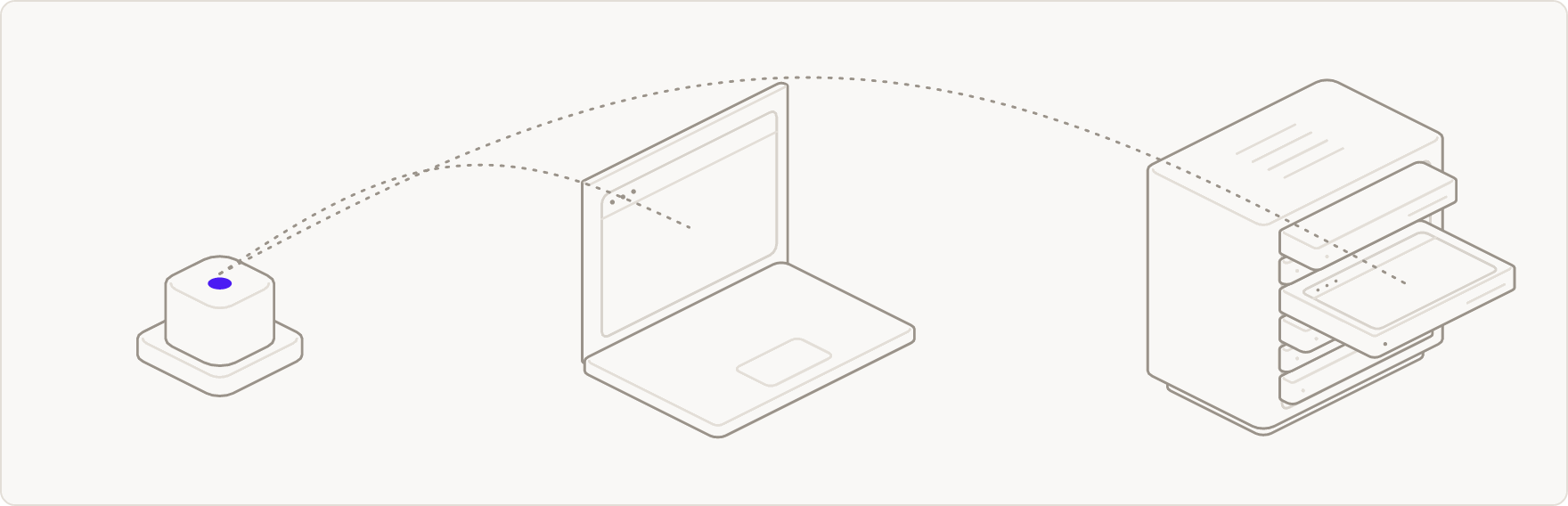
What the cloud adds
- Residential connections. Traffic leaves through ordinary home connections, so sites load the way they do for anyone at home. Pass
proxyto send it through your own proxy instead. - Captcha solving. Challenges are answered inside the browser, and the run carries on.
- Natural input. The browser plans every pointer move, scroll and keystroke itself, so Scout sends it plain actions.
- Recordings. Sessions are recorded by default, and
result.replayUrllinks to a step-by-step replay once the run ends.record: falseturns it off. - Nothing to install. No browser to download, update or keep running on your machine.
Options
How it is billed
A cloud run is billed as an ordinary Outcrawl browser session: browser session time at 1 credit per minute, plus proxy usage at 2,000 credits per GB. Captcha and challenge solving is bundled in and is never a separate line item. Your model calls still go to your own endpoints, and are not billed by Outcrawl. Every account gets 1,000 free credits a month, no card needed. See pricing for plans and the price of a credit. A run on your own browser, launched locally or reached over CDP, makes no call to Outcrawl and is not billed.Quickstart
A first task on the cloud in three steps.
Sessions
Watch or export a session’s replay.