> ## Documentation Index
> Fetch the complete documentation index at: https://outcrawl.ai/docs/llms.txt
> Use this file to discover all available pages before exploring further.
# Outcrawl's cloud
> The best way to run Scout: one line gives it a browser sites treat like anyone at home, with captcha solving and a replay of every run.
export const OutcrawlStyles = () => {
if (typeof document !== 'undefined' && !document.getElementById('outcrawl-overrides')) {
const s = document.createElement('style');
s.id = 'outcrawl-overrides';
s.textContent = `
/* Match the product's radius grid (4 / 6 / 8 / 9999), not Mintlify's default. */
.rounded-sm { border-radius: 0.375rem !important; } /* 6px, --r-ctl */
.rounded-md { border-radius: 0.375rem !important; } /* 6px, --r-ctl */
.rounded-lg { border-radius: 0.5rem !important; } /* 8px, --r-panel */
.rounded-l-sm { border-top-left-radius: 0.375rem !important; border-bottom-left-radius: 0.375rem !important; }
.rounded-r-sm { border-top-right-radius: 0.375rem !important; border-bottom-right-radius: 0.375rem !important; }
.rounded-l-md { border-top-left-radius: 0.375rem !important; border-bottom-left-radius: 0.375rem !important; }
.rounded-r-md { border-top-right-radius: 0.375rem !important; border-bottom-right-radius: 0.375rem !important; }
.rounded-l-lg { border-top-left-radius: 0.5rem !important; border-bottom-left-radius: 0.5rem !important; }
.rounded-r-lg { border-top-right-radius: 0.5rem !important; border-bottom-right-radius: 0.5rem !important; }
/* Cards: never pure white in light mode, matching the one-big-card surface tone. */
.card { background-color: #fcfcfc !important; border-radius: 0.5rem !important; }
html.dark .card { background-color: #141311 !important; }
/* Docs hero box */
.oc-hero { background-color: #fcfcfc; border: 1px solid #e5e2dc; }
html.dark .oc-hero { background-color: #141311; border-color: #26241f; }
html.dark .oc-hero h1 { color: #edeae4; }
/* Thin, transparent-track, hide-until-hover scrollbar. */
::-webkit-scrollbar { width: 6px; height: 6px; background-color: transparent; }
::-webkit-scrollbar-track { background-color: transparent; }
::-webkit-scrollbar-thumb { background-color: rgba(155, 155, 155, 0.5); border-radius: 10px; transition: opacity 0.3s ease; opacity: 0; }
::-webkit-scrollbar-thumb:hover { background-color: rgba(155, 155, 155, 0.7); }
*:hover::-webkit-scrollbar-thumb,
*:focus::-webkit-scrollbar-thumb,
*:active::-webkit-scrollbar-thumb { opacity: 1; }
* { scrollbar-width: thin; scrollbar-color: rgba(155, 155, 155, 0.5) transparent; }
`;
document.head.appendChild(s);
}
return null;
};
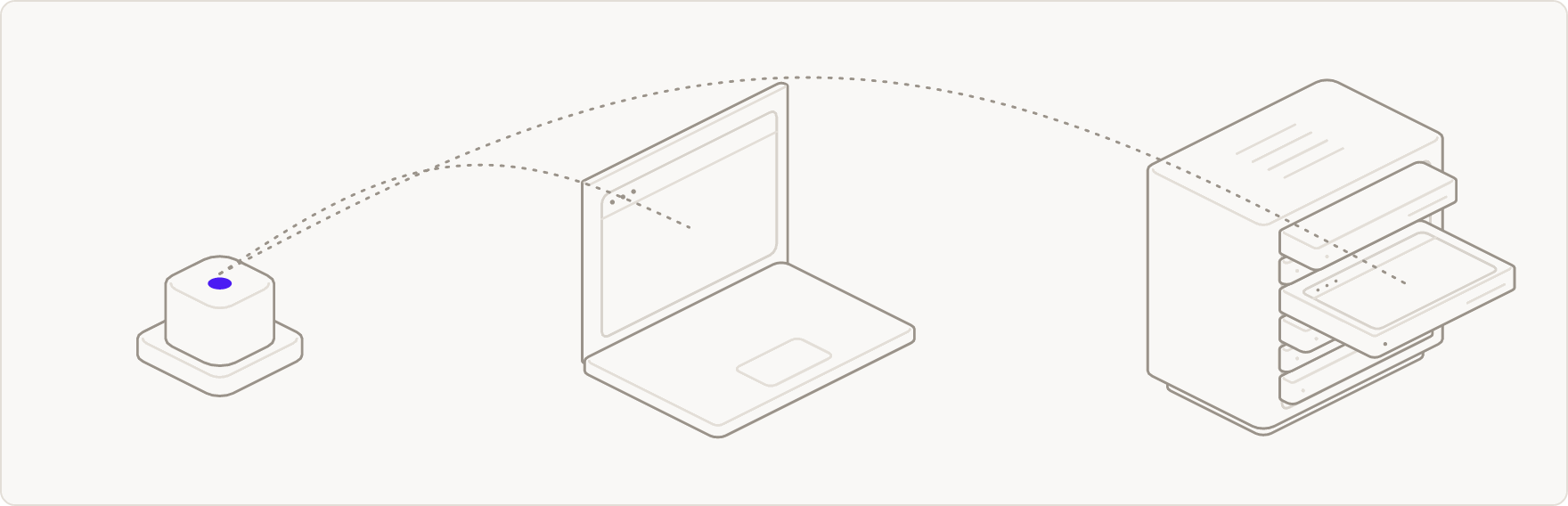
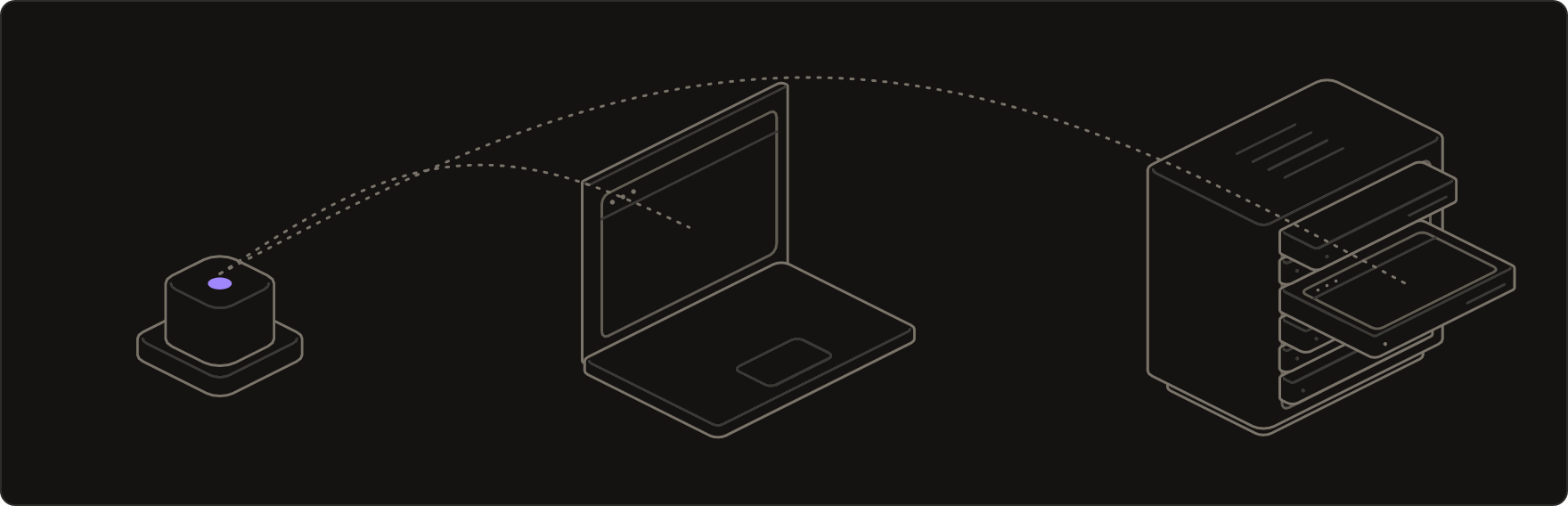
Many sites stop a browser that runs from a data center or behaves like a script, and a task that stops halfway is no answer at all. On Outcrawl's cloud, Scout gets a browser built to get through. It is one line, and your models and your task stay the same:
```ts theme={"theme":{"light":"github-light","dark":"catppuccin-mocha"}}
// Reads OUTCRAWL_API_KEY from the environment.
const scout = new Scout({ browser: 'outcrawl', models });
```
 ## What the cloud adds
* **Residential connections.** Traffic leaves through ordinary home connections, so sites load the way they do for anyone at home. Pass `proxy` to send it through your own proxy instead.
* **Captcha solving.** Challenges are answered inside the browser, and the run carries on.
* **Natural input.** The browser plans every pointer move, scroll and keystroke itself, so Scout sends it plain actions.
* **Recordings.** Sessions are recorded by default, and `result.replayUrl` links to a step-by-step [replay](/docs/browsers/sessions) once the run ends. `record: false` turns it off.
* **Nothing to install.** No browser to download, update or keep running on your machine.
**Measured:** runs on Outcrawl's cloud reached 92.5% of pages on an 80-site benchmark, scored with the benchmark's own code; the next best reached 81.4%. Three full runs, 7 October 2026. [Method and every run](https://outcrawl.ai/resources/benchmarks).
## Options
| Option | Default | What it does |
| - | - | - |
| `apiKey` | `OUTCRAWL_API_KEY` from the environment | Your Outcrawl API key. |
| `proxy` | an Outcrawl exit | Your own proxy URL for the session's traffic. |
| `record` | `true` | Records the session for replay; `false` records nothing. |
| `baseUrl` | `https://api.outcrawl.ai` | The API's base URL. |
```ts theme={"theme":{"light":"github-light","dark":"catppuccin-mocha"}}
browser: {
outcrawl: { apiKey, proxy: 'http://user:pass@host:port', record: false },
}
```
Create a key from **[https://outcrawl.ai/console/keys](https://outcrawl.ai/console/keys)**. See [API keys](/docs/account/api-keys).
## How it is billed
A cloud run is billed as an ordinary Outcrawl browser session: browser session time at 1 credit per minute, plus proxy usage at 2,000 credits per GB. Captcha and challenge solving is bundled in and is never a separate line item. Your model calls still go to your own endpoints, and are not billed by Outcrawl.
Every account gets 1,000 free credits a month, no card needed. See [pricing](/docs/billing/pricing) for plans and the price of a credit.
A run on your own browser, launched locally or reached over CDP, makes no call to Outcrawl and is not billed.
A first task on the cloud in three steps.
Watch or export a session's replay.
This documentation is built and hosted on [Mintlify](https://mintlify.com), a developer documentation platform.
## What the cloud adds
* **Residential connections.** Traffic leaves through ordinary home connections, so sites load the way they do for anyone at home. Pass `proxy` to send it through your own proxy instead.
* **Captcha solving.** Challenges are answered inside the browser, and the run carries on.
* **Natural input.** The browser plans every pointer move, scroll and keystroke itself, so Scout sends it plain actions.
* **Recordings.** Sessions are recorded by default, and `result.replayUrl` links to a step-by-step [replay](/docs/browsers/sessions) once the run ends. `record: false` turns it off.
* **Nothing to install.** No browser to download, update or keep running on your machine.
**Measured:** runs on Outcrawl's cloud reached 92.5% of pages on an 80-site benchmark, scored with the benchmark's own code; the next best reached 81.4%. Three full runs, 7 October 2026. [Method and every run](https://outcrawl.ai/resources/benchmarks).
## Options
| Option | Default | What it does |
| - | - | - |
| `apiKey` | `OUTCRAWL_API_KEY` from the environment | Your Outcrawl API key. |
| `proxy` | an Outcrawl exit | Your own proxy URL for the session's traffic. |
| `record` | `true` | Records the session for replay; `false` records nothing. |
| `baseUrl` | `https://api.outcrawl.ai` | The API's base URL. |
```ts theme={"theme":{"light":"github-light","dark":"catppuccin-mocha"}}
browser: {
outcrawl: { apiKey, proxy: 'http://user:pass@host:port', record: false },
}
```
Create a key from **[https://outcrawl.ai/console/keys](https://outcrawl.ai/console/keys)**. See [API keys](/docs/account/api-keys).
## How it is billed
A cloud run is billed as an ordinary Outcrawl browser session: browser session time at 1 credit per minute, plus proxy usage at 2,000 credits per GB. Captcha and challenge solving is bundled in and is never a separate line item. Your model calls still go to your own endpoints, and are not billed by Outcrawl.
Every account gets 1,000 free credits a month, no card needed. See [pricing](/docs/billing/pricing) for plans and the price of a credit.
A run on your own browser, launched locally or reached over CDP, makes no call to Outcrawl and is not billed.
A first task on the cloud in three steps.
Watch or export a session's replay.
This documentation is built and hosted on [Mintlify](https://mintlify.com), a developer documentation platform.